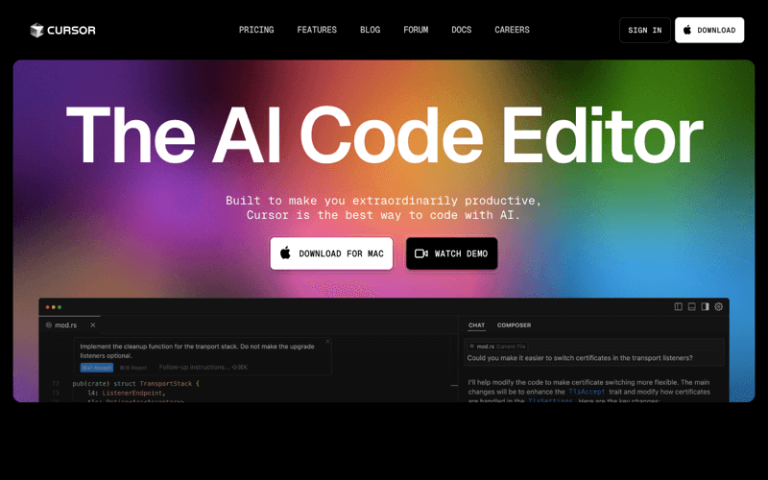
Cursor is an AI-powered code editor designed to enhance the coding experience for developers by integrating artificial intelligence capabilities directly into the editing environment. It aims to streamline the development process, providing features like code generation, intelligent suggestions, and automation of routine tasks.
Main Features
AI-Assisted Coding: Cursor uses AI to help write code, offering intelligent code completion and generation.
Integrated Development Environment (IDE): It provides a comprehensive environment for coding, with AI enhancements.
Customization and Extensions: Allows users to tailor the editor to their preferences and integrate extensions.
Version Control Integration: Works with version control systems like Git for seamless code management.
Cross-Platform Compatibility: Available on multiple platforms, ensuring accessibility across different operating systems.
Pros and Cons
Saves time by automating repetitive tasks and providing intelligent coding assistance
Offers an intuitive interface that is easy to navigate
Adapts to the user's coding style and improves over time
Provides advanced features like AI-driven code generation and real-time feedback
Heavier reliance on AI could potentially slow down the editor
How to Use Cursor AI?
Installation: Download and install the Cursor editor from the official website.
Setup: Configure the settings according to your preferences, including themes, shortcuts, and plugin installations.
Coding: Start coding and experience the AI assistance in real-time as you write code.
Utilize AI Features: Use the AI capabilities to generate code snippets, refactor code, and perform other tasks.
Review and Refine: Review the AI-generated code and make refinements as needed.