Sponsored by Promptwice - Your Perfect AI Image Prompt Generator
Home » AI Tools » AI Video Generator » OpenArt
OpenArt
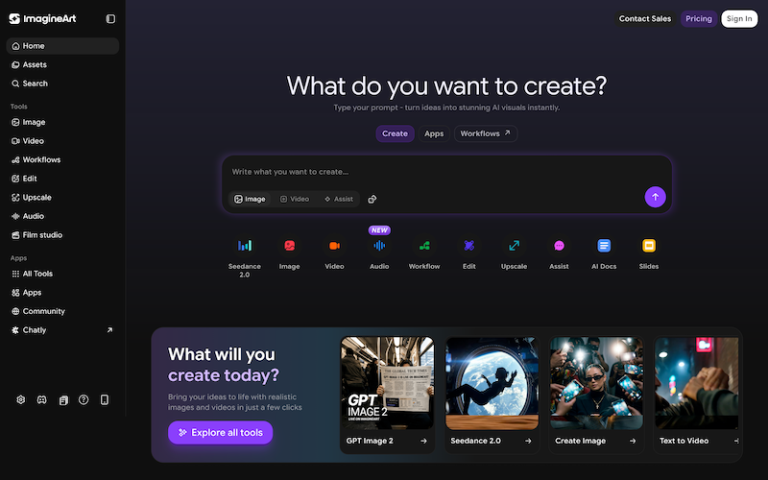
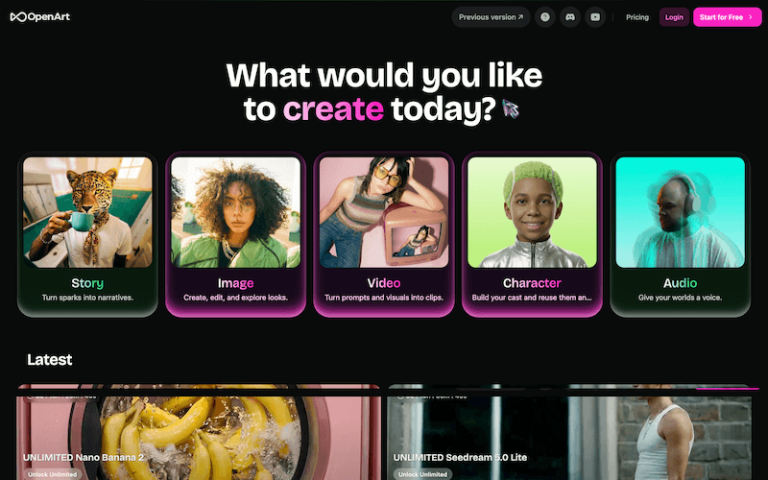
Introduction: OpenArt is a generative AI art and creative platform that lets you create and edit images (and even videos in some cases) using AI models like Stable Diffusion and others.
What is OpenArt?
OpenArt is a generative AI art and creative platform that lets you create and edit images (and even videos in some cases) using AI models like Stable Diffusion and others — all within a single environment. It’s aimed at creators, content makers, designers, and artists.
Main Features
Core Generation
- Text-to-Image (txt2img): Enter a prompt to generate a brand-new image.
- Image-to-Image (img2img): Use an existing image as a base to generate variations or restyle it.
- Sketch-to-Image: Convert rough sketches into polished art.
Advanced Tools
- ControlNet support: Add pose or depth guides to influence output structure.
- Inpainting/Outpainting: Fix or extend parts of the image.
- Upscaling + quality enhancement: Improve resolution and detail (even to 8K in some modes).
- Custom model training: Train your own style or character model using example images.
- Large prompt library: Reuse and learn from millions of shared prompts.
Other Capabilities
- Image → Video: Generate simple AI videos from images and prompts.
- Style variation / character consistency: Keep consistent characters across multiple images.
How to Use OpenArt?
- Create an account on OpenArt.ai (email or social login).
- Choose generation mode: Text-to-Image: Enter a detailed prompt describing what you want; Image-to-Image: Upload a reference and adjust settings; ControlNet / sketch: Upload pose guides or sketches to steer output.
- Select parameters: Choose resolution, model type, style, and optional guidance.
- Generate & refine: Use upscaling, inpainting, or variation tools to refine.
- Train custom models (optional): Build personalized style models with your datasets.
- Export / download your final creative outputs, or convert to short videos if needed.