Home » AI Tools » AI App Builder » OnSpace.AI
OnSpace.AI
Introduction: OnSpace AI is a no-code AI app builder that allows you to create full-stack apps, websites, and digital products simply by describing your idea in natural language.
What is OnSpace.AI?
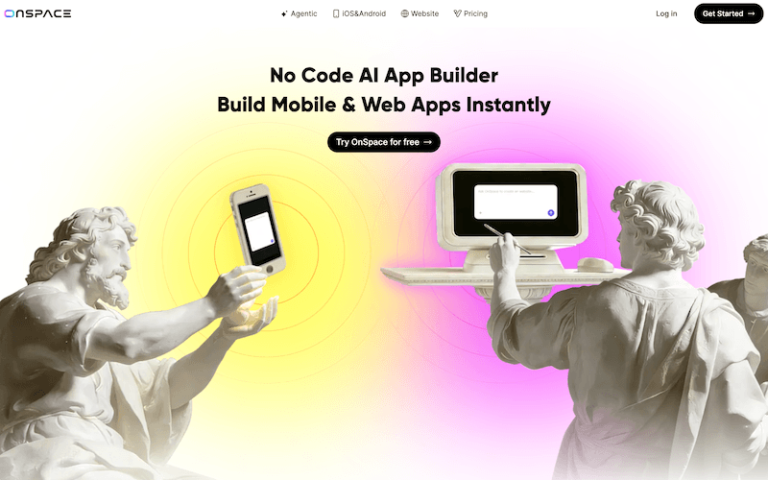
OnSpace AI is a no-code AI app builder that enables entrepreneurs, creators, freelancers, and non-developers to create full-stack apps, websites, and digital products by simply describing their ideas in natural language, with the platform automatically generating the frontend (UI design), backend (database and authentication), and logic/workflows—turning the process into a seamless “you describe → AI builds → you launch” experience.
Main Features
- Natural Language App Creation: OnSpace lets you build apps by describing your idea in plain English, with AI handling the entire development process.
- No-Code Full-Stack Development: It automatically generates both frontend and backend, including database, authentication, and APIs—no DevOps required.
- Multi-Platform Deployment: You can deploy apps to iOS, Android, and web simultaneously from a single project.
- Built-in Backend Management: Includes database, file storage, authentication, and real-time sync powered by tools like Supabase.
- AI Model Integration: Access advanced AI models (GPT, Gemini, etc.) directly inside your app to add features like chatbots, image generation, or automation.
- One-Click Deployment: Publish your app instantly with hosting, scaling, and infrastructure handled automatically.
- Monetization Ready: Built-in Stripe and payment integrations allow you to charge users or launch SaaS products.
- Code Export & GitHub Integration: You can export your code and host it anywhere, giving you full ownership and flexibility.
Pros and Cons
- No coding required
- Full-stack out of the box
- Extremely fast development
- Built-in monetization
- Cross-platform support
- Limited for complex enterprise apps
- AI output may need refinement
- Heavy usage can increase costs
How to Use OnSpace.AI?
- Sign up: Go to onspace.ai and start with the free plan.
- Describe your app idea: Examples: “Build a travel booking website”; “Create an AI fitness coach app”.
- Generate your app: AI builds the UI, backend, and features.
- Customize your app: Edit visually or via chat: “Add login system”; “Change color theme”; “Add payment feature”.
- Test in real-time: Preview your app instantly on web or mobile.
- Deploy: Publish with one click and get a live URL or mobile app.
- Monetize: Connect Stripe or payment systems and launch your SaaS or product.